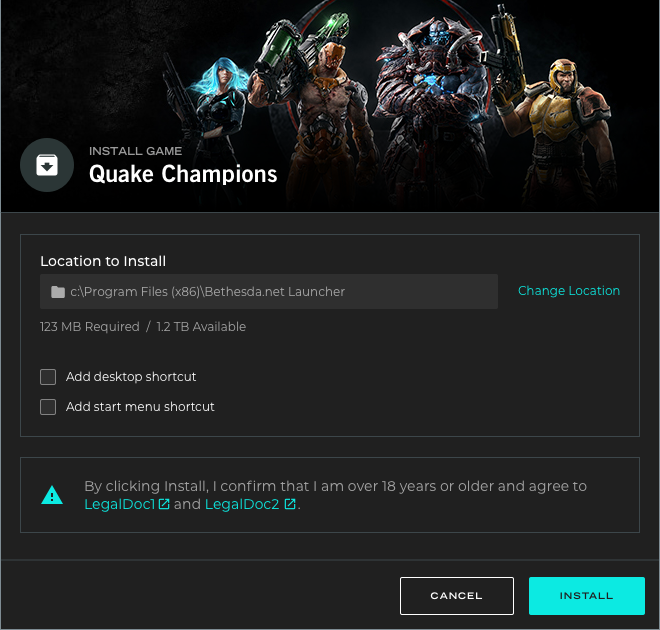
Redesigned a desktop launcher across discovery, account flows, game management, social features, and platform states.
Case Study Bethesda / ZeniMax 2018-2021
Redesigning the Bethesda Game Launcher
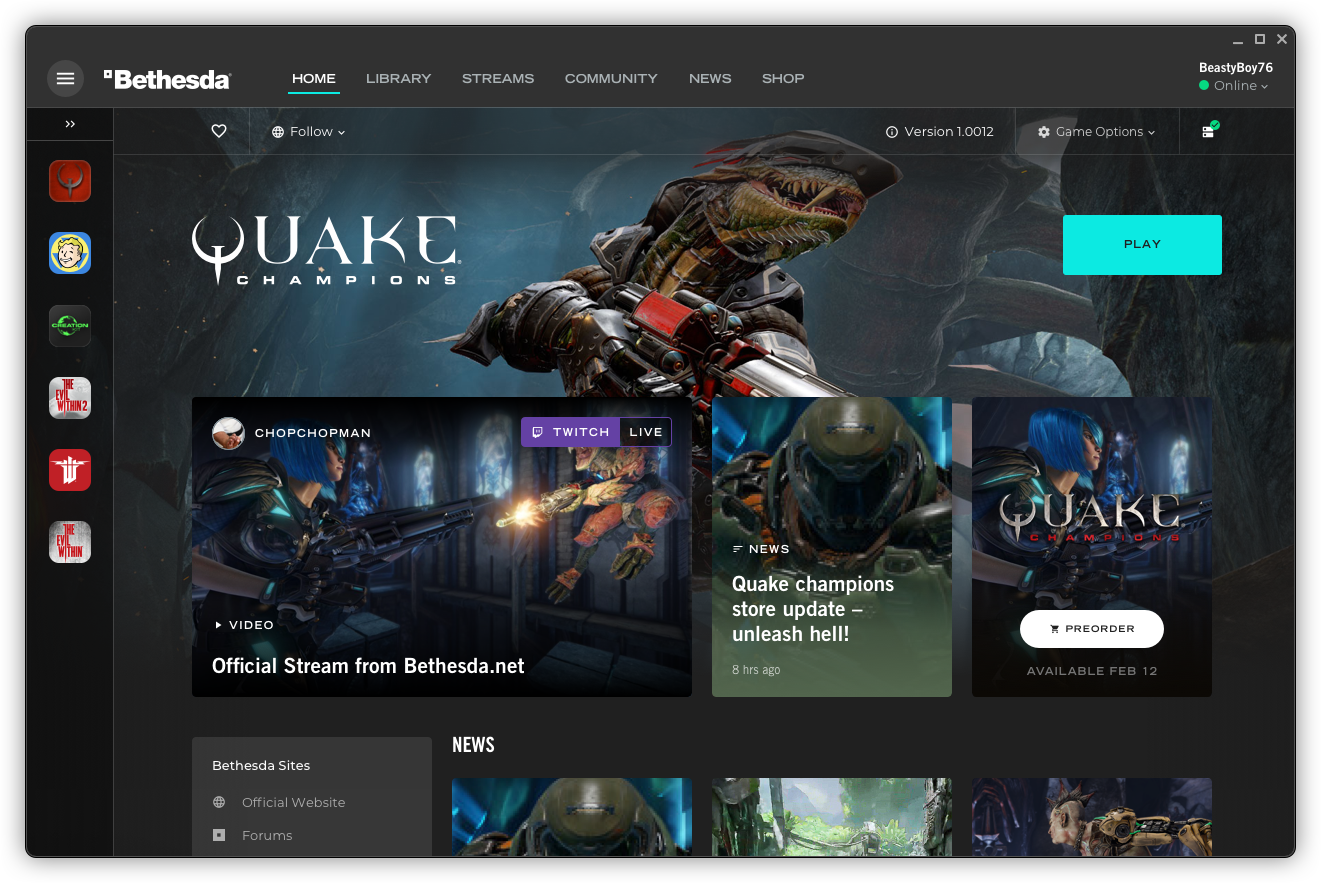
Created a scalable model for games, commerce, updates, friends, groups, content, and studio publishing needs.
Designed for PC players managing games, friends, groups, downloads, account states, and game updates.
Supported iterative product updates every 1-2 months with a lean product, design, and engineering team.
The Goal
Turning a limited PC launcher into a scalable game platform.
The Challenge
Bethesda needed a launcher that could scale beyond a small library of games.
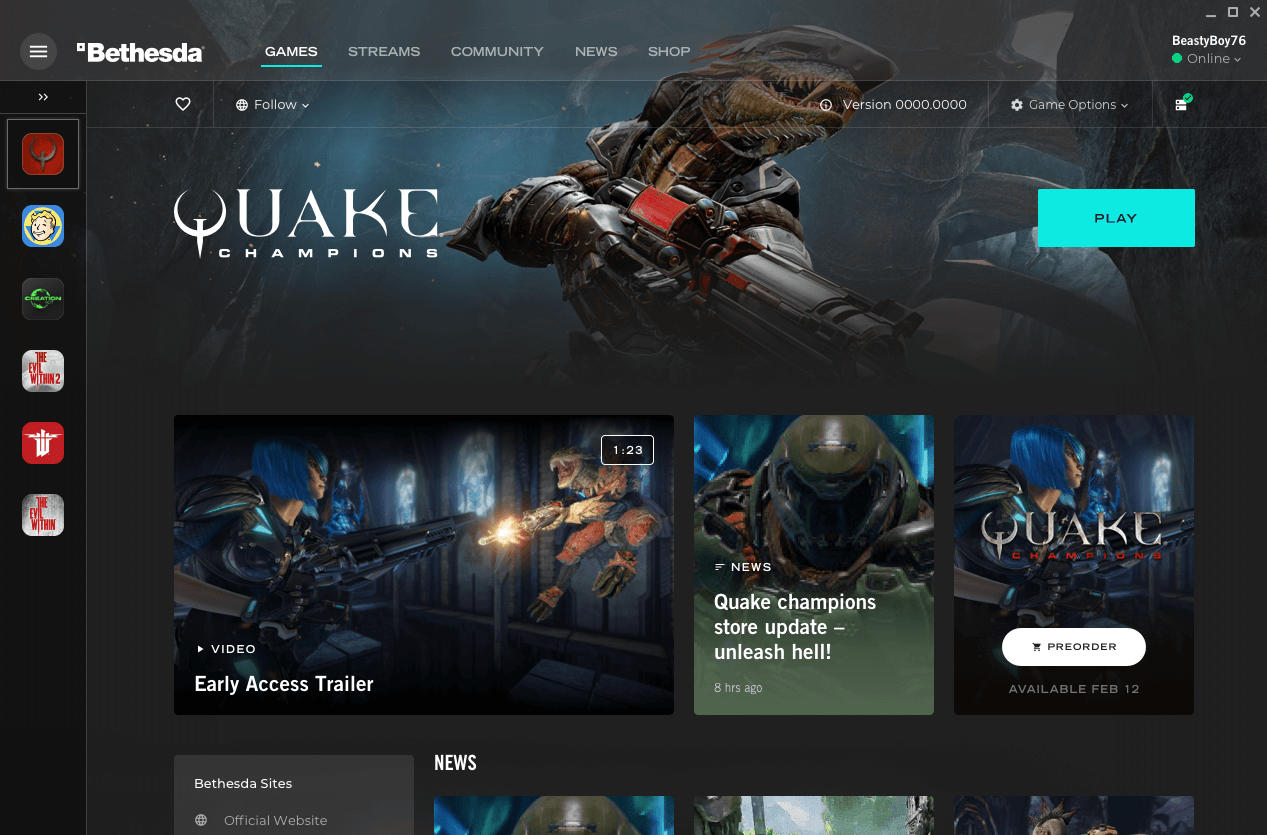
Bethesda had a native PC gaming platform that was about two years old, with only a few games out of the wider portfolio available through the launcher. The existing design and information architecture limited how quickly teams could support more games, richer game states, and player workflows.
Manual game deployment slowed release velocity
Adding a new game required engineering-heavy setup, which could stretch deployment work across months instead of repeatable product steps.
Studio management and CMS tooling was underdeveloped
Publishing workflows, game metadata, localization, and content updates needed a stronger product model for internal teams.
Player workflows lacked depth and clarity
Installation, ownership, settings, friends, groups, activity, account states, and launcher feedback needed to feel coherent.
Competitive expectations were already set
Players compared the experience to Steam, EA, and Battle.net, so the redesign needed to establish a credible baseline fast.
The Purpose
Create a launcher architecture that could support discovery, ownership, updates, social systems, and account workflows.
What had to change?
The launcher needed to become a product platform instead of a collection of isolated game and account screens.
Scalable navigation
Restructure the launcher so a growing game library, account surfaces, and player actions could be found quickly.
Game lifecycle states
Make install, update, play, pause, warning, and empty states clear across each game detail experience.
Account and content flows
Support sign-in, EULA, localization, CMS content, legal feedback, and system messages without fragmenting the experience.
Social layer
Give friends, groups, statuses, invites, and chat a clear model that players could understand during gameplay.
The Approach
A lean product redesign built around priority, structure, and rapid validation.
The team had less than eight months to redesign an MVP platform that was many times larger than the previous launcher. The work needed to move fast without losing the structural decisions that would make future releases easier.
I focused the effort around the workflows players would repeat most often while helping the client team clarify the platform model behind those screens.
Roadmap
Personas
IA
Prototypes
Feasibility
CMS
Key areas that shaped the product redesign.
Product structure
Prioritize the roadmap, define information architecture, and align game, account, and launcher workflows.
Player workflows
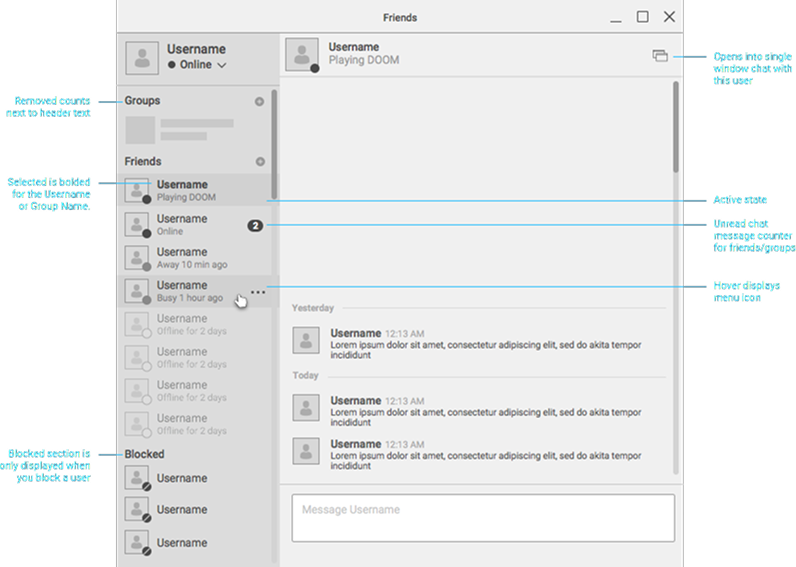
Prototype friends, groups, installs, settings, and game states so the team could validate complex behavior early.
Delivery system
Build reusable design-system support, content strategy, localization rules, and functional specs for engineering.

Exploring and accelerating through low-fidelity wireframes.
Wireframes helped the team explore game library, shopping, social, and account workflows before committing to a high-fidelity platform direction. The goal was to establish a credible MVP baseline quickly, then use the system to refine it.
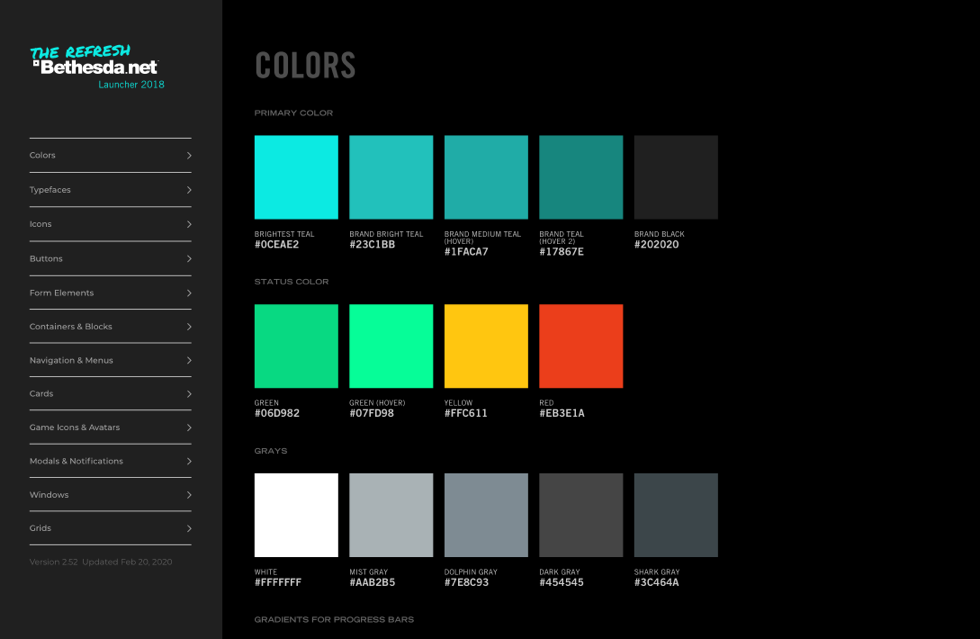
Establish the base library model for browsing, owning, shopping, and managing games.
Work through how game pages, store content, and ownership actions connect inside the launcher.
Use the previous platform to identify what needed to be preserved, replaced, or reorganized.
Clarify friends, status, presence, and player actions before moving into detailed social UI.
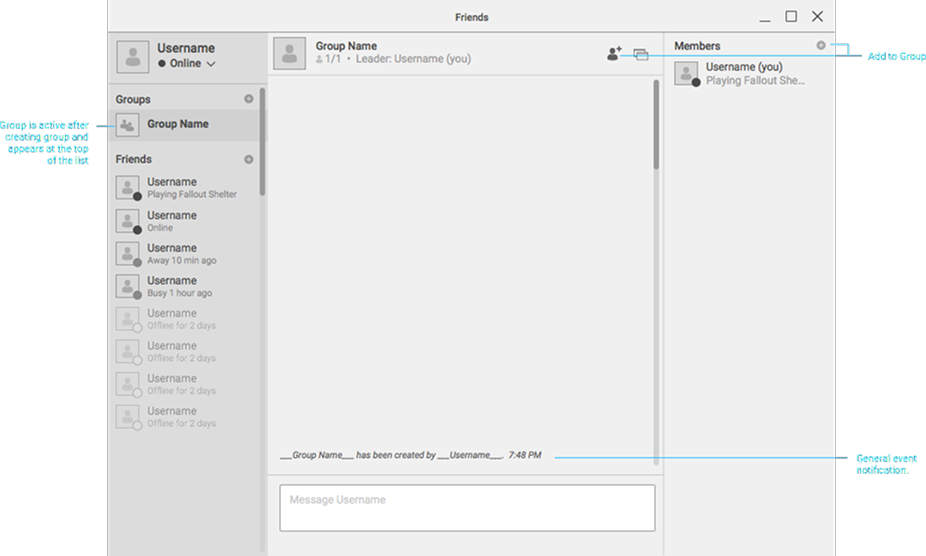
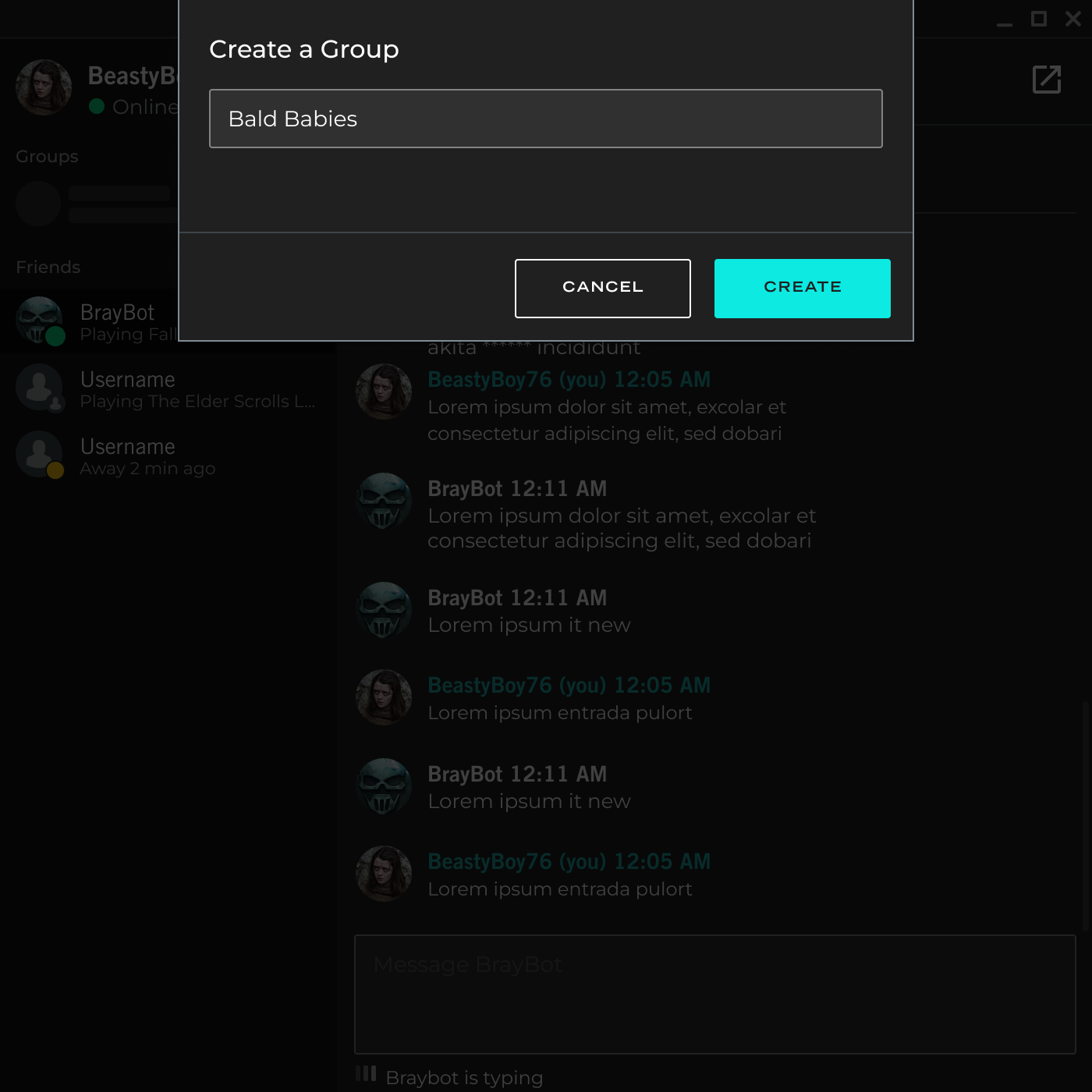
Map group creation, conversation states, and contextual actions for player communities.
Capture reusable behavior, component states, and implementation notes as the product matured.
Design installed, paused, updating, option, and drawer states around repeat player tasks.
Standardize warnings, confirmations, account feedback, and system messages so players could recover quickly.
Design System
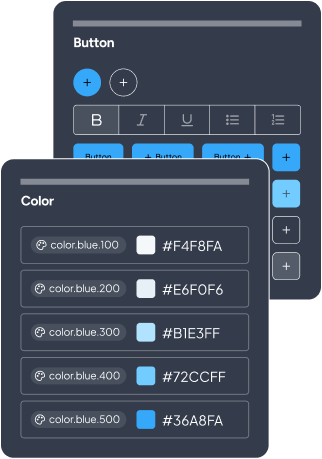
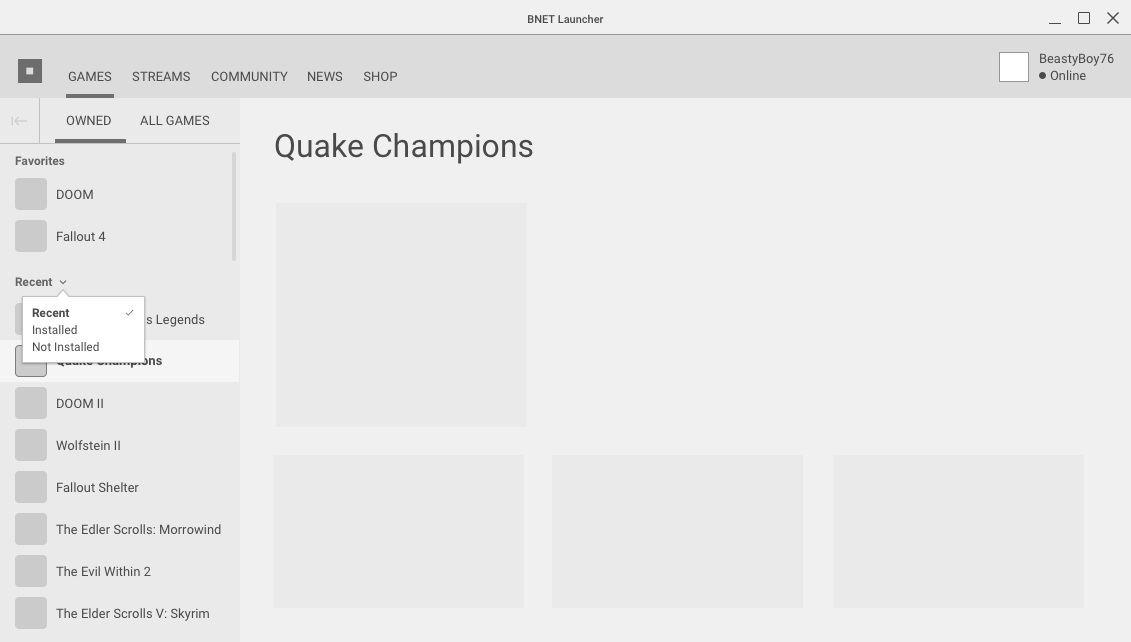
A launcher design system helped the team ship consistent UI and clearer specifications.
System support used during delivery
Product UI
- Navigation
- Game cards
- Modals and dialogs
- Menus
- Install states
Specs
- Functional requirements
- Interaction states
- Content rules
- Localization notes
- Engineering annotations
Delivery
- Reusable patterns
- Framework conversion
- Design QA
- Release updates
Why the system mattered
Reduce one-off specs and page-specific decisions as the launcher expanded.
Improve design-to-engineering communication across a fast release cadence.
Features
Designing launcher workflows around real player tasks.
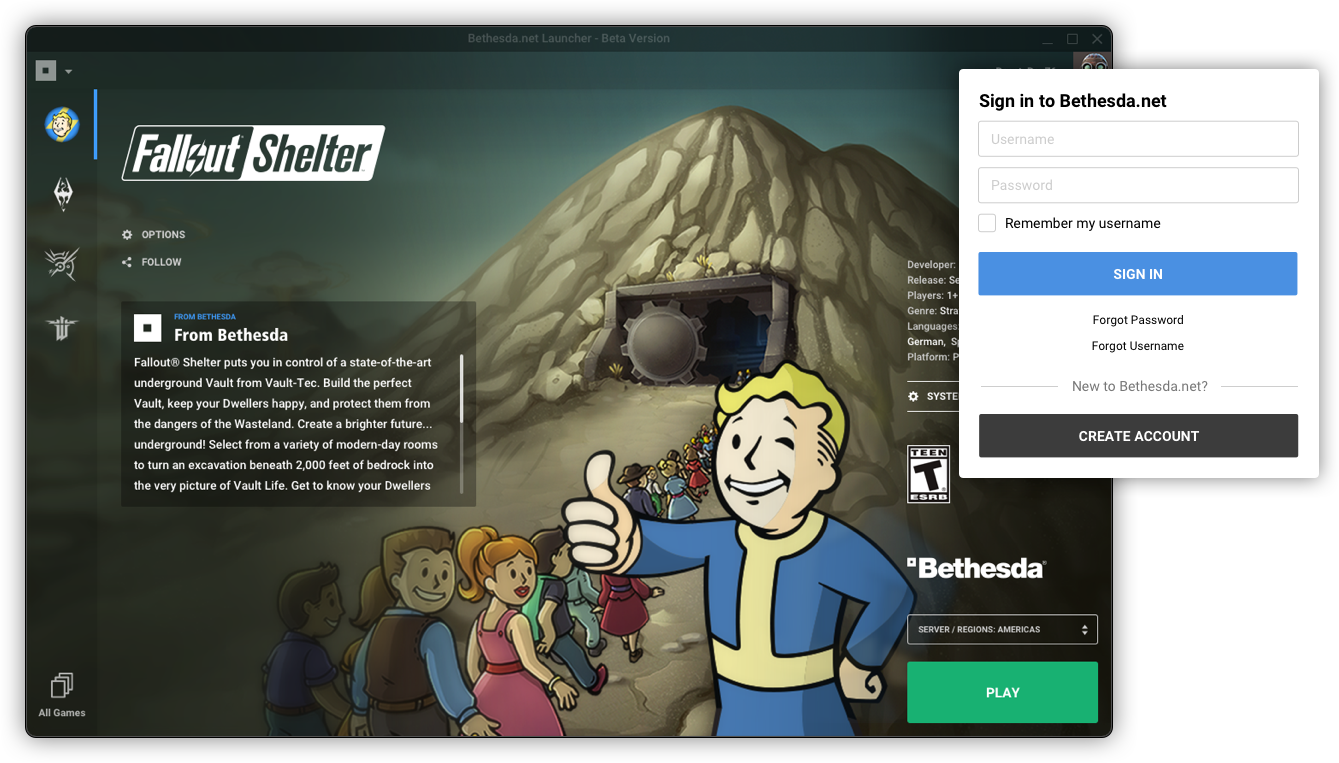
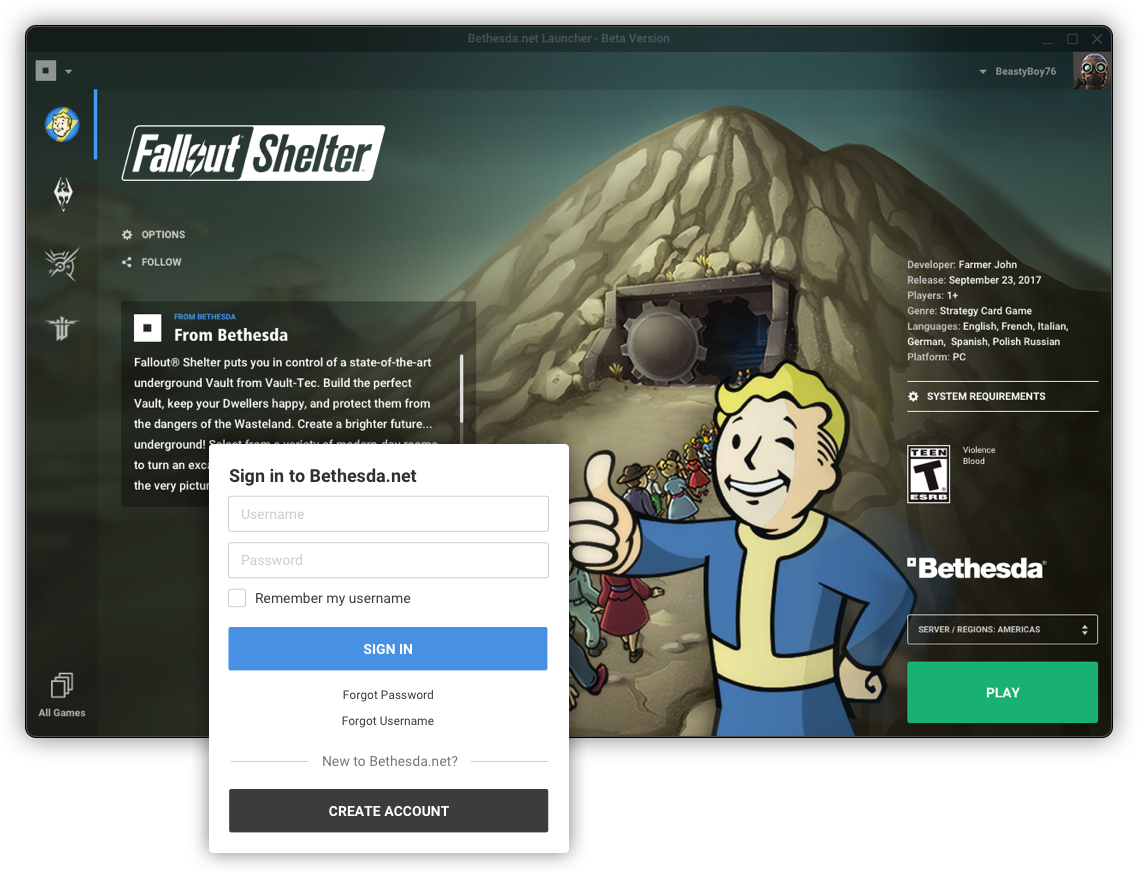
The final designs organized the launcher around high-frequency player needs: sign-in, game discovery, installation, settings, friends, groups, and system feedback.
Friends and chat feature
Applying the same platform logic to social states.
Friends, status, group creation, and contextual actions needed the same level of system thinking as the launcher shell, because these states changed constantly while players were moving between games.
Chat with friends
Player workflow
Action surface
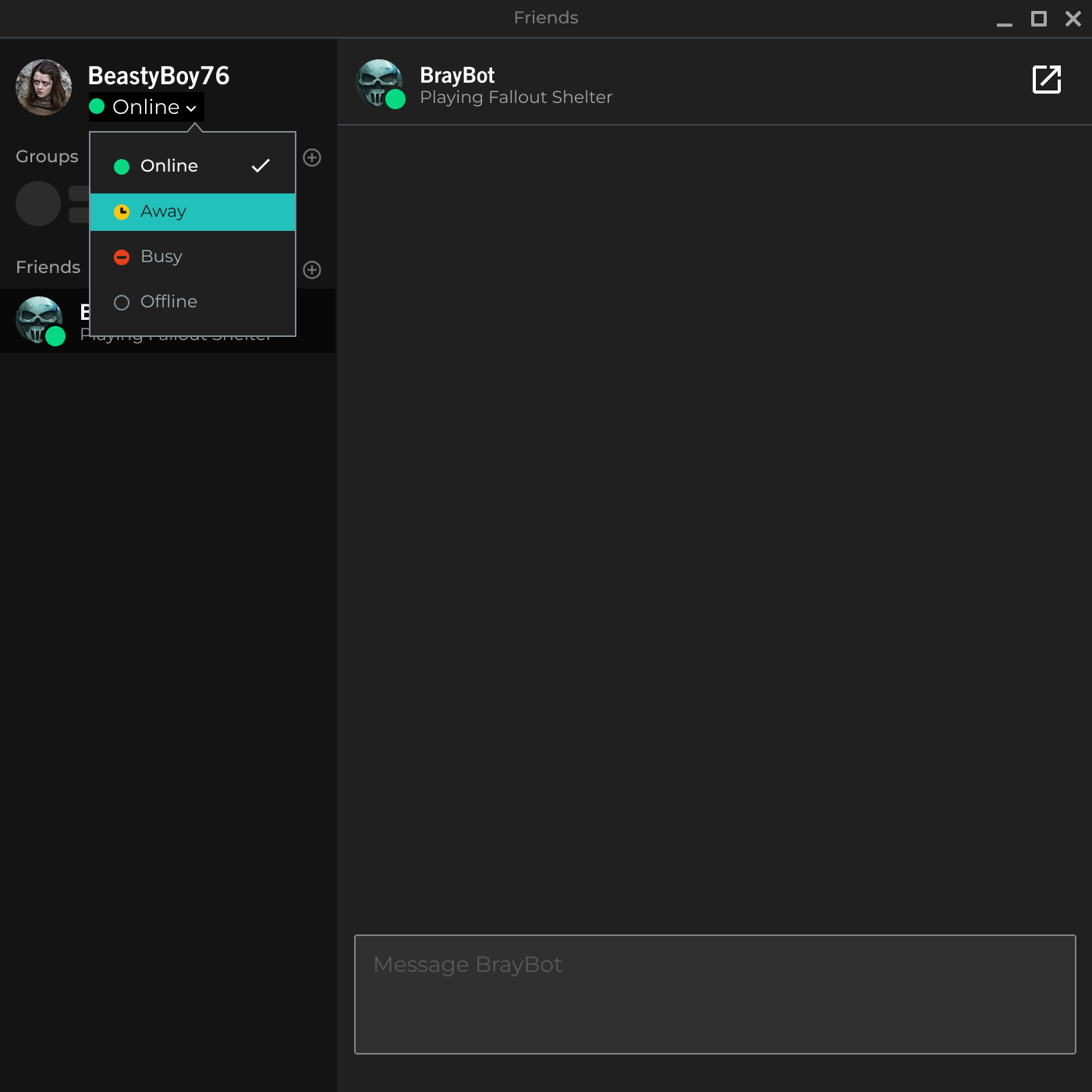
Setting status
Player workflow
State coverage
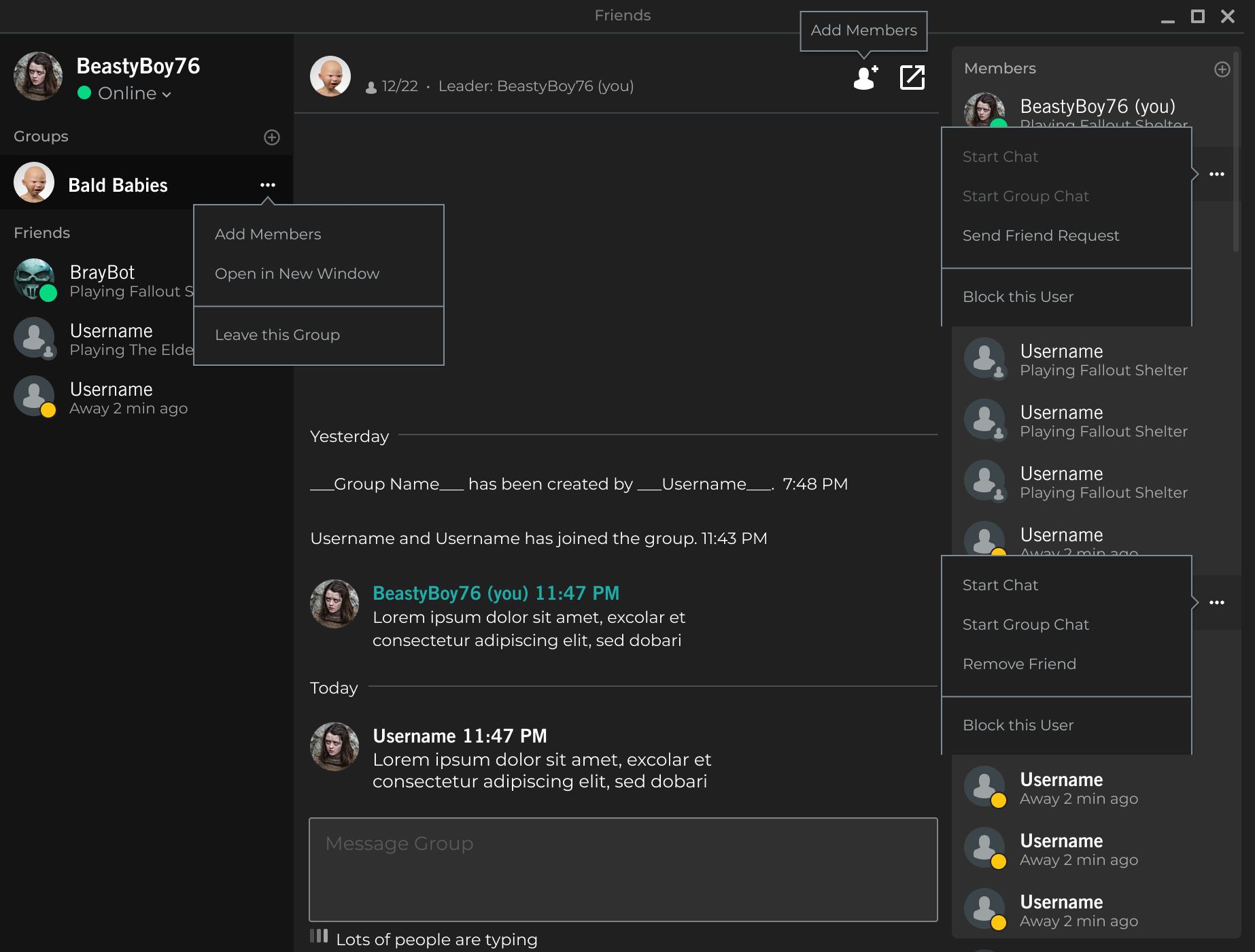
Group chat
Player workflow
Create flow
The Results
The launcher became easier to ship, explain, and scale across player workflows.
Release cadence
Product updates could move in smaller, repeatable cycles.
The team had a clearer path for launcher updates, new game states, and product iteration every 1-2 months.
Platform architecture
Game, account, social, and system surfaces shared a clearer model.
Navigation, game management, friends, groups, dialogs, and settings could be understood as one platform experience.
Handoff quality
Design decisions became easier to translate into engineering work.
Functional specs, reusable components, prototypes, and design QA reduced ambiguity for a lean delivery team.